
JoinMyQuiz.com: Meaning, Features, Safety, Legitimacy and Complete Website Review (2026)
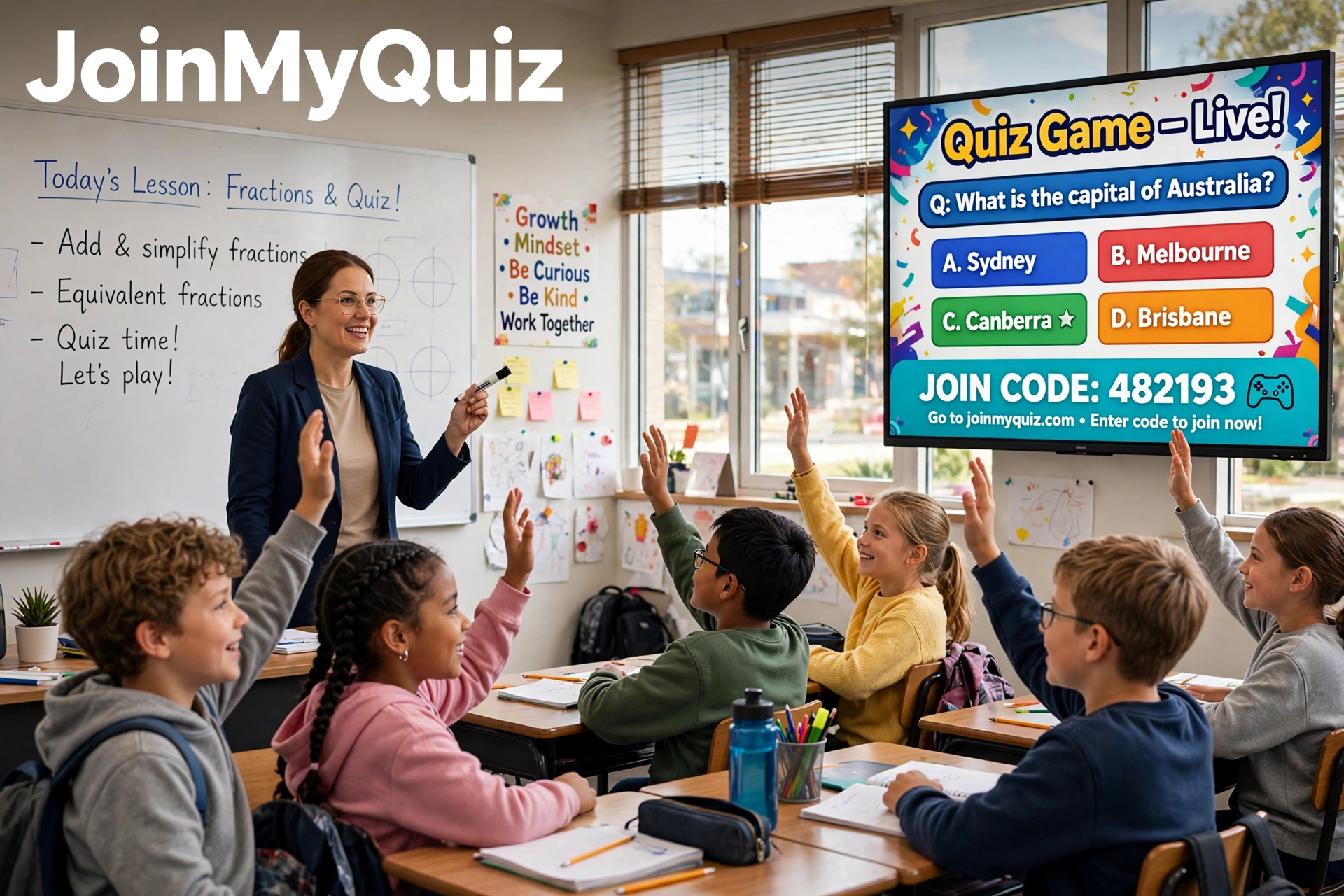
A teacher writes a six-digit code on the board. Thirty students type it into their phones, and within seconds they are all playing the same quiz — no accounts, no downloads, no setup. That simple moment is exactly what JoinMyQuiz.com is built around. But what is the site, and can you trust it? This review answers both questions.
1. What Is JoinMyQuiz.com?
JoinMyQuiz.com is a guidance website for joining online quizzes with a code. It explains how quiz codes work, where to enter them, and which official platforms to use — it does not host quizzes itself.
That distinction matters. Many people arrive at the site expecting a quiz platform, but JoinMyQuiz.com works as a gateway and guide. It points players toward established quiz platforms such as Quizizz (now Wayground) and MyQuiz.org, and explains the joining process step by step.
The site’s own guide describes it as a quiz participation hub: its job is the player’s entry point — how to join a quiz quickly, which website to visit, and how to avoid the confusion caused by rebrands and similar-looking domains.
2. The Meaning Behind the Name
The name is literal. “Join my quiz” is what a teacher, trainer or host says when they want people to enter their quiz — and “joinmyquiz com” is the phrase thousands of people type into Google when they have a code in hand and need the fastest way in.
People are usually given a quiz code by a teacher or host and need a fast way to participate without creating an account. They want a place where they can enter a code and start playing, not long URLs or new software.
The site also clears up common typing mistakes. Variations such as joinmyquiz .com, join my quis.com and joinmyquiz.con are all frequent errors, and the site’s content helps readers land on the correct, secure platforms instead of lookalikes.
3. Main Features of JoinMyQuiz.com
The site’s value comes from the platforms it explains and the way it organises that information. Its main features include:
- Quiz code guidance — clear explanations of what a quiz code is, why hosts use codes instead of public links, and what to do when a code does not work.
- Live and assigned quiz formats — coverage of real-time quizzes, where everyone answers together, and assigned quizzes, which players complete at their own pace before a deadline.
- Quizizz to Wayground transition explained — the site explains that Quizizz officially rebranded to Wayground, so readers searching for “Quizizz join” understand where they should go now.
- MyQuiz.org walkthroughs — guidance for joining quizzes on MyQuiz.org, both through invitation links and through manual code entry at play.myquiz.org.
- Classroom quiz platform coverage — articles about the wider classroom quiz ecosystem, helping teachers compare their options.
- Practical tips — advice on stable internet connections, updated browsers, verifying codes with the host, and avoiding URL typing errors.
One feature worth highlighting is the emphasis on no mandatory login for players. Participants can join instantly using a quiz code, which is what makes the system work in classrooms and large events.
4. How Joining With a Code Works
Joining is deliberately simple, and the process is the same across the platforms the site covers:
- Get the code from the host — it appears on a classroom board, a Zoom or Google Meet chat, a WhatsApp group, an email, or a presentation slide.
- Visit the official join page — for example, the Wayground join page or play.myquiz.org.
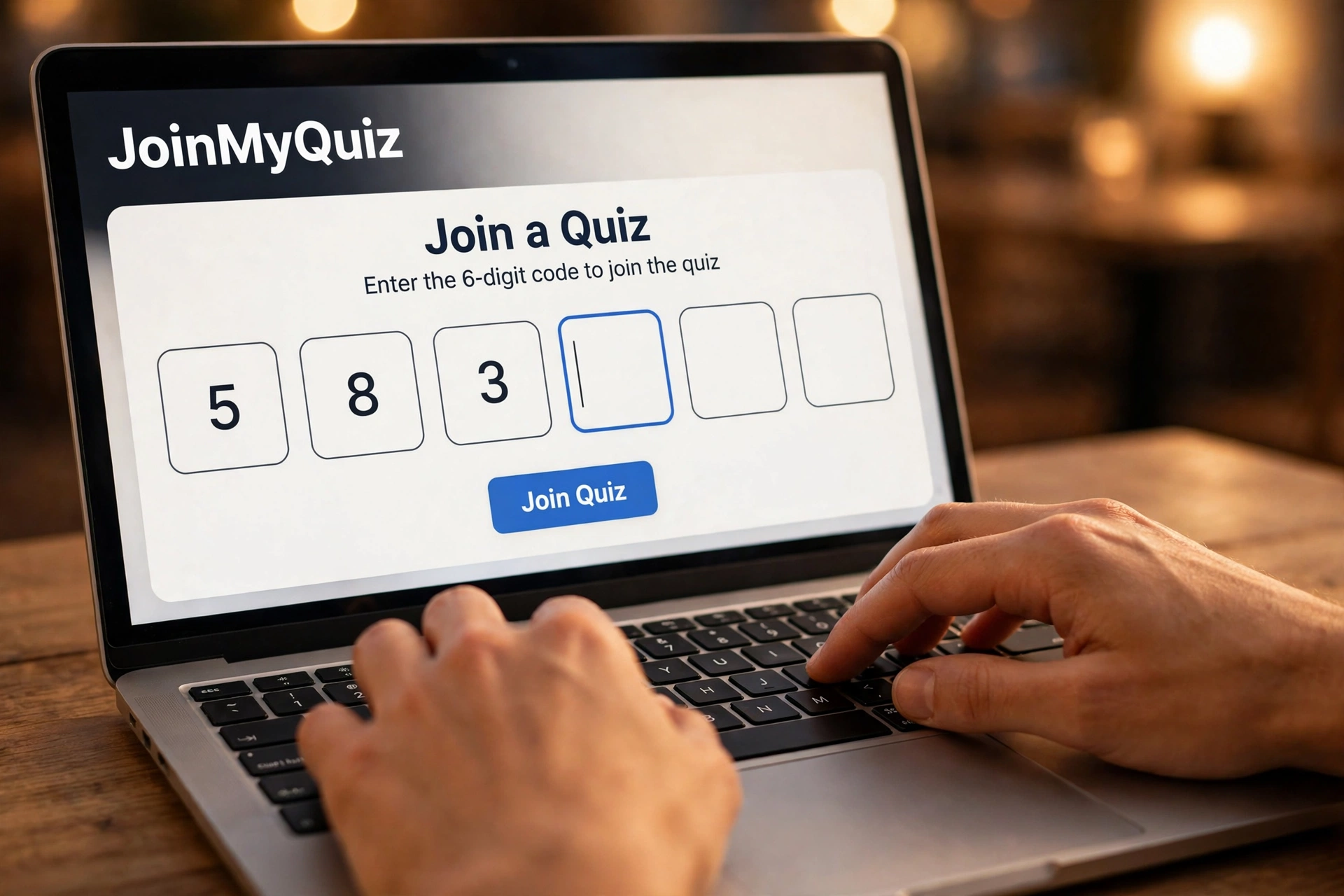
- Enter the code and choose a nickname, which appears on the leaderboard.
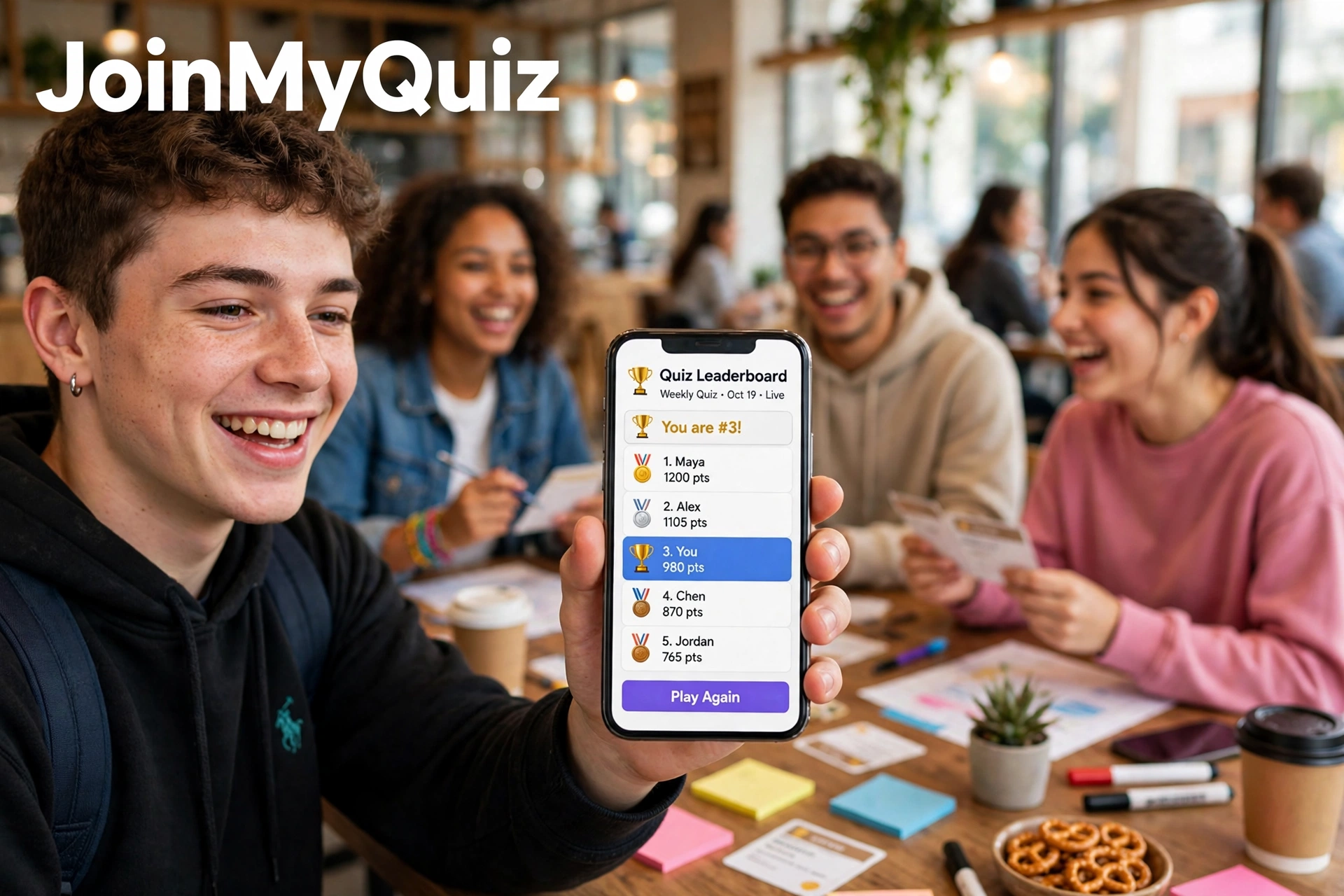
- Play — questions appear one by one, usually with a timer, and scores update in real time.
A code is used instead of a public link for three reasons: security and control (only invited participants can join), less confusion in large groups, and reuse (hosts can run the same quiz for different groups without sharing long URLs). An incorrect or expired code will block access, so readers are advised to double-check the code and confirm the session is live.
The site’s full step-by-step guide covers this process in detail; this review focuses on what the site is and whether it can be trusted.
5. Who Is JoinMyQuiz.com For?
The site serves four main audiences:
- Teachers and educators — the biggest group. They use quizzes for formative assessment, quick revision, concept checks and exam preparation, and they assign quizzes as homework to track understanding without pressure.
- Students — gamified quizzes reduce anxiety and increase motivation. Students can join from any device, learn at their own pace, and see instant feedback.
- Professionals and corporate trainers — businesses use quizzes for employee onboarding, training sessions and knowledge checks, especially in remote work environments.
- Friends and family — trivia nights, parties and reunions, where quizzes turn knowledge into entertainment.
In short, anyone who has ever been handed a quiz code and wondered what to do with it is the site’s intended reader.
6. Is JoinMyQuiz.com Safe?
Yes — the guidance content on JoinMyQuiz.com is safe to read and follow. The site is an informational blog: it publishes articles and guides, and it does not ask visitors to enter quiz codes, passwords or payment details on its own pages.
The safety picture has two parts worth separating:
- The site itself — reading its guides carries no obvious risk. It does not collect quiz codes or host the quizzes, so there is nothing sensitive for a visitor to hand over.
- The platforms it links to — Wayground (formerly Quizizz) and MyQuiz.org are established, legitimate education platforms used by schools and trainers worldwide. Joining a quiz on their official pages with a host-provided code is a normal, safe activity.
One caution applies to every quiz-related search: use only the official join pages. Fake “join my quiz” pages and typo domains exist, and some ask for logins or payments. A genuine quiz join never asks a player to pay or create an account just to enter a code — if a page does, close it.
7. Is JoinMyQuiz.com Legitimate?
Yes, as a guidance website it is legitimate. Its content is consistent, detailed and accurate on the facts that can be checked: Quizizz did rebrand to Wayground, MyQuiz.org does use a code-based joining system, and the joining steps it describes match how the official platforms work.
What the site is not is equally important. It is not the official Quizizz/Wayground website, it is not MyQuiz.org, and it does not run quizzes itself. Readers who treat it as an instruction manual — rather than as the quiz platform itself — will not be disappointed.
The site has published steadily since January 2026, covers its topic in depth, and its November 2026 articles show it is actively maintained.
8. Pros and Cons of JoinMyQuiz.com
Pros:
- Clear, practical guidance — the joining process is explained in plain language, with the common mistakes called out.
- Covers the rebrand confusion — the Quizizz-to-Wayground change left many users lost, and the site explains it well.
- No login or payment required to read — the content is freely accessible.
- Wide coverage — from classroom platforms to MyQuiz.org walkthroughs, the site covers the whole quiz-joining ecosystem.
- Actively updated — new articles through November 2026.
Cons:
- It does not host quizzes — anyone expecting to create or play a quiz directly on the site will need to go elsewhere.
- Thin categories — the site organises nearly everything under just two categories (Blog and Uncategorized), which makes browsing by topic harder than it should be.
- No official status — it is a third-party guide, not the official site of any quiz platform, so readers must still verify they are on the official join page.
- Code problems are out of its hands — an expired or incorrect code can only be fixed by the quiz host.
9. JoinMyQuiz.com vs Other Quiz Platforms
It helps to place the site next to the platforms it writes about:
- Wayground (formerly Quizizz) — the actual quiz platform: create quizzes, manage players, track scores and analyse performance. JoinMyQuiz.com explains how to reach it, but Wayground is where the quiz happens.
- MyQuiz.org — another code-based quiz platform, commonly used for custom quizzes and larger sessions. JoinMyQuiz.com covers both its invitation-link method and its manual code entry at play.myquiz.org.
- JoinMyQuiz.com itself — the guide layer above both: it answers “where do I go and what do I type?” rather than running the quiz.
Used together, the three make sense: read the guide on JoinMyQuiz.com, then join on Wayground or MyQuiz.org.
Final thoughts
JoinMyQuiz.com does one job, and it does it well: it tells people with a quiz code exactly where to go and what to do. Its guides are clear, its facts check out, and it is honest about what it is — a guidance site, not a quiz host.
The safety verdict is straightforward: the site is safe to read, and the official platforms it points to are legitimate. The only real risk is the wider web around it — typo domains and fake join pages — so always use the official Wayground or MyQuiz.org join pages, never pay to enter a code, and never enter a password just to play.
If you have a quiz code in hand, start with the site’s joining guide, then head to the official platform and play.
Frequently Asked Questions
What is JoinMyQuiz.com?
JoinMyQuiz.com is a guidance website that explains how to join online quizzes using a code. It is not a quiz hosting platform — it directs users to official platforms such as Wayground (formerly Quizizz) and MyQuiz.org.
Is JoinMyQuiz.com safe?
Yes. The site publishes informational guides and does not ask visitors for codes, passwords or payments. Joining a quiz on the official Wayground or MyQuiz.org pages with a host-provided code is safe.
Is JoinMyQuiz.com legitimate?
Yes, as a third-party guide. Its content accurately describes the Quizizz-to-Wayground rebrand and the MyQuiz.org joining process. It is not the official website of any quiz platform.
Do I need an account to join a quiz?
Usually not. Players join with a quiz code and a nickname, with no mandatory login. Hosts who want progress tracking and analytics can optionally create an account on the quiz platform.
What should I do if my quiz code does not work?
Double-check the code with the host, confirm the session is live and has not expired, and make sure you are on the official join page. Only the host can fix an incorrect or expired code.




8 Comments