Prevention Cloud: What It Is and How It Works
Prevention Cloud is not one simple product. The name is used in two different ways, and that causes most of the confusion. In one use, it is a wellness portal for employees. In the other, it is a general idea in cloud security: stop a risky change before it goes live.
This guide explains both uses, who uses Prevention Cloud, and how to check it safely before you sign in or share health data.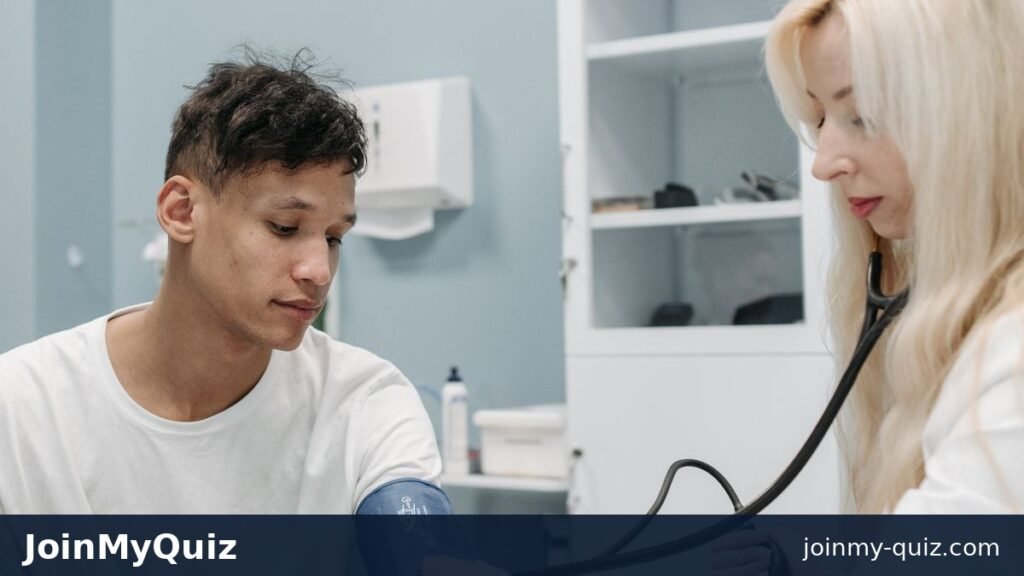
What Is Prevention Cloud?
Prevention Cloud is a web portal and app for workplace wellness, run by Zomo Health. Employers use it to offer health programs to staff. Staff use it to take a health risk assessment, book a biometric screening, and track wellness goals.
The portal is at preventioncloud.com. That is the address to check if you are asked to sign in. A real employer link should take you to that site, or to a page that clearly names your employer and the program. Do not enter health data on a look-alike site.
At the same time, “prevention” is also a word in cloud security. In that field, a prevention tool blocks a risky cloud change before it reaches production. That is a different use of the same words, not the same product.
Prevention Cloud as a Wellness Portal
As a wellness portal, Prevention Cloud is a population health platform. That means it helps an employer look at the health of a whole workforce, not just one person. The goal is to spot risks early, and to offer help before a small problem becomes a big one.
Typical features described for such portals include:
- A health risk assessment, with questions about habits, family history, and current health.
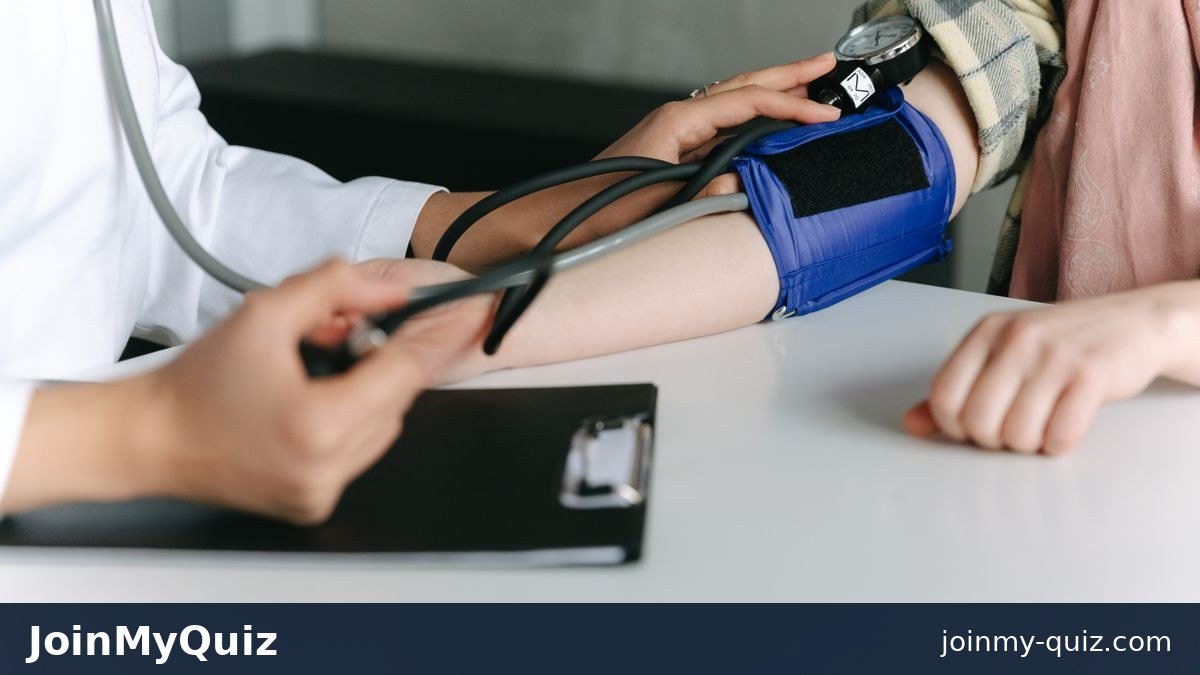
- Biometric screening results, such as blood pressure, cholesterol, and blood sugar, from a screening event.
- Wellness challenges, coaching, and rewards for healthy habits.
- Reports for the employer, with group results, not personal details.
If your employer offers this program, your HR team should give you a clear sign-in link and a privacy notice. Read that notice. It should say what data is collected, who sees it, and how it is used. In the United States, wellness programs must follow rules on privacy and on voluntary participation. The Centers for Disease Control and Prevention publishes guidance on workplace health programs that can help you check what is normal.
The Other Meaning: Cloud Security
In cloud security, “prevention” means stopping a problem before it happens. A cloud prevention tool may block a public storage bucket, a weak password rule, or a change that would open a server to the internet. It acts before the change goes live, not after a breach.
This is different from detection, which finds a problem after it has happened, and from response, which fixes it. Prevention, detection, and response work together. No one tool does all three on its own.
You do not need to be a security expert to use this idea. If you work with cloud tools in the United States, ask your IT team what prevention checks are in place. A simple question can stop a costly mistake.
For a related technology topic, see our CompTIA A+ Practice Test, which covers basic IT and security ideas that many U.S. employers look for.
Is It the Same as Prevention Magazine?
Prevention Cloud is not the same as Prevention magazine. The magazine is a health publication, at prevention.com, with articles on food, fitness, and health news. It has its own login and its own subscriptions.
The two names share the word “prevention,” but they are different sites with different owners and different jobs. If you are looking for a magazine article, you want prevention.com. If your employer sent you a wellness link, you want preventioncloud.com. Check the full address before you sign in.
How to Check It Safely
Use this quick check before you sign in to a wellness portal:
- Check the address. It should be preventioncloud.com, or a link your employer gave you.
- Look for a privacy notice. It should name the employer, the program, and the data collected.
- Do not share a password by email or chat. A real program will not ask for it that way.
- Ask HR if you are unsure. A short check is better than a leaked health record.
- Keep your own records. Note the date of a screening and the results you were given.
If a link looks wrong, stop. Go to the official site by typing the address yourself, or use your employer’s intranet link. That is the safest way in.
Like this name, some other terms on this site have no single clear meaning either. Our guide to Asbestlint shows how to check an unfamiliar term before you trust it.
The Bottom Line on Prevention Cloud
Prevention Cloud is mainly a wellness portal for employees, run by Zomo Health. It is also a useful reminder that “prevention” in cloud security means blocking a risky change before it goes live. The two uses share a name, but they are not the same thing.
So check the context first. If it is a workplace wellness link, use the official portal and read the privacy notice. If it is a security term, ask what is being prevented, and by whom. For more guides like this, see our Join My Quiz complete guide.